I am using a Hiwonder bus linker V3.0 to drive the serial bus servos in a LeArm.
I am running a python script
Everything works perfectly when I use an RPi 5 running Ubuntu 24.04.
When I use a Windows 11, I see
USB ENHANCED SERIAL CH343(COM3)
in the Device Manager.
However I receive
SERIAL ERROR COULD NOT MANAGE THE PORT,COULD NOT OPEN COM3,ERROR(13,ACCESS DENIED,NONE,5)
SUMMARY: UBUNTU DRIVER WORKS.
WINDOWS 343 DRIVER DOESNT.
PLEASE HELP!
The error reports a failure to open COM3, so it does not by itself establish that the CH343 driver is faulty. First, check for another application holding the port: Windows serial ports use exclusive access, and opening a port fails if another process already has it open. (learn.microsoft.com)
- Close all serial applications and previous Python runs, including any Hiwonder servo software or serial monitors. Then run just one instance of your script.
- Reconnect the BusLinker and check its current COM number in Device Manager. Confirm that your script uses that exact port.
- Test opening the port independently of Python. With Python stopped, use the Bus Servo Terminal supplied with the BusLinker V3.0 package, select the current COM port, and try opening it—no servo movement is needed. This port-opening procedure is documented in the BusLinker V3.0 User Manual, section 1.1.3.2. Close the application completely before retrying Python.
Driver caution: The manual’s driver-installation section lists ch341ser, whereas your device reports CH343. It does not document a CH343-specific Windows 11 fix, so please do not force a different driver solely on that basis.
If access is still denied, please share the complete Python traceback, the code that creates/opens the serial connection, the CH343 driver provider/version from Device Manager, and whether the supplied application can open the port. These checks will help distinguish a Python/process issue from a Windows connection or driver issue.
If this reply was helpful, you can mark it as the solution using the button below.
I have tried everything.
Using hiwonder v3.0 bus linker.
All works with RPI 5, UBUNTU 24.04, PYTHON.
‘tty/ACM0’ port
hiwonder v3.0 does not work with Windows 11, ch341ser driver(COM3).
‘COM3’ port
Even tried 2 different Windows 11.
YOU HAVE TO PROVE THAT hiwonder v3.0 DOES WORK WITH WINDOWS 11, PYTHON!! I don’t believe it!!
Official support staff are being brought in to help verify the BusLinker V3.0’s operation with Windows 11 and Python. If you still need my assistance, you can @ me in this topic. @Hiwonder_Scarlett
Hi there,
Thank you for providing the details. Please rest assured that we will do our best to help you resolve this issue.
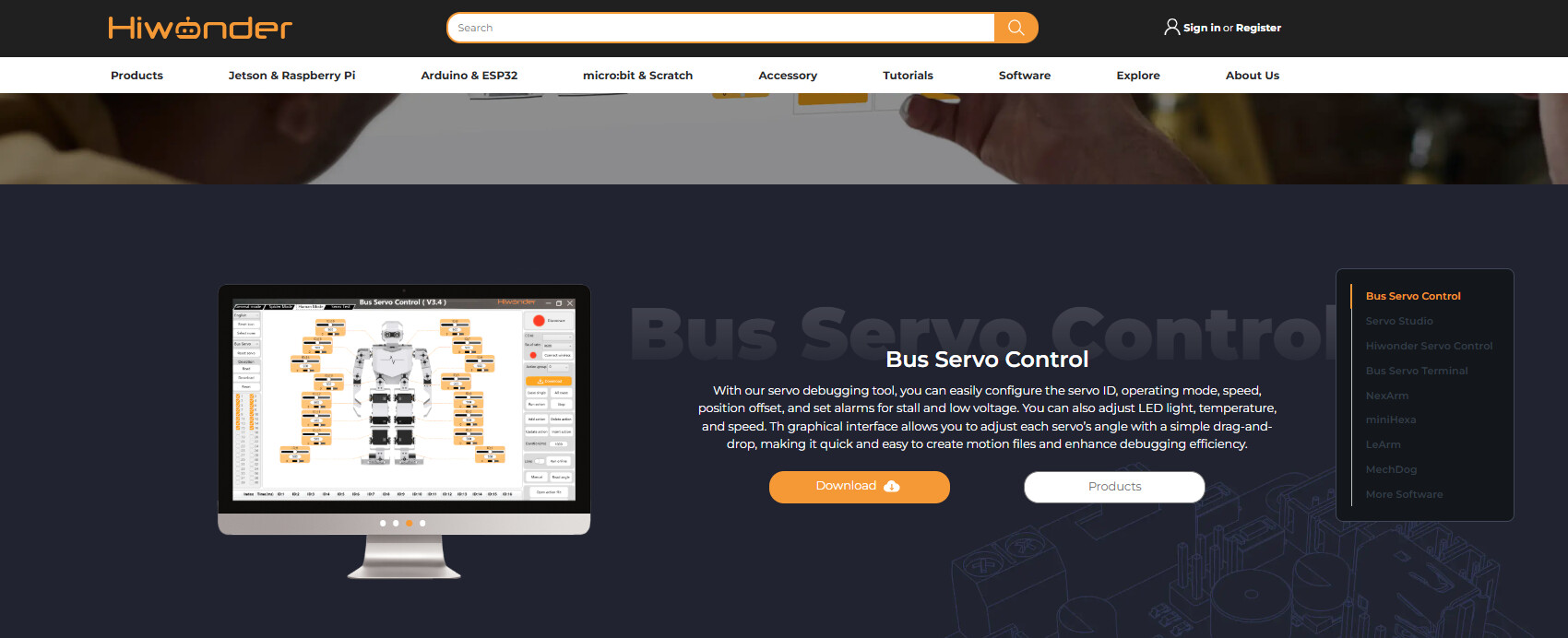
You can try using the Bus Servo Control debugging software to check if the issue is related to the serial port driver and see whether the port can successfully recognize and control the servos. You can download the software here: Hiwonder-Robot Debugging Software
If it still does not work, you can try running the installer as an administrator to uninstall and reinstall the driver.
Regarding Raspberry Pi development, you can refer to the BusLinker development tutorials for guidance: BusLinker V3.0 Raspberry Pi Development Tutorial
If you have any further questions, please feel free to let us know. It would be best if you could provide an operation video for our engineers to review so we can diagnose the issue more intuitively and offer a more accurate solution. Please also share any error messages you encounter along with it.
Thank you for your understanding and support.