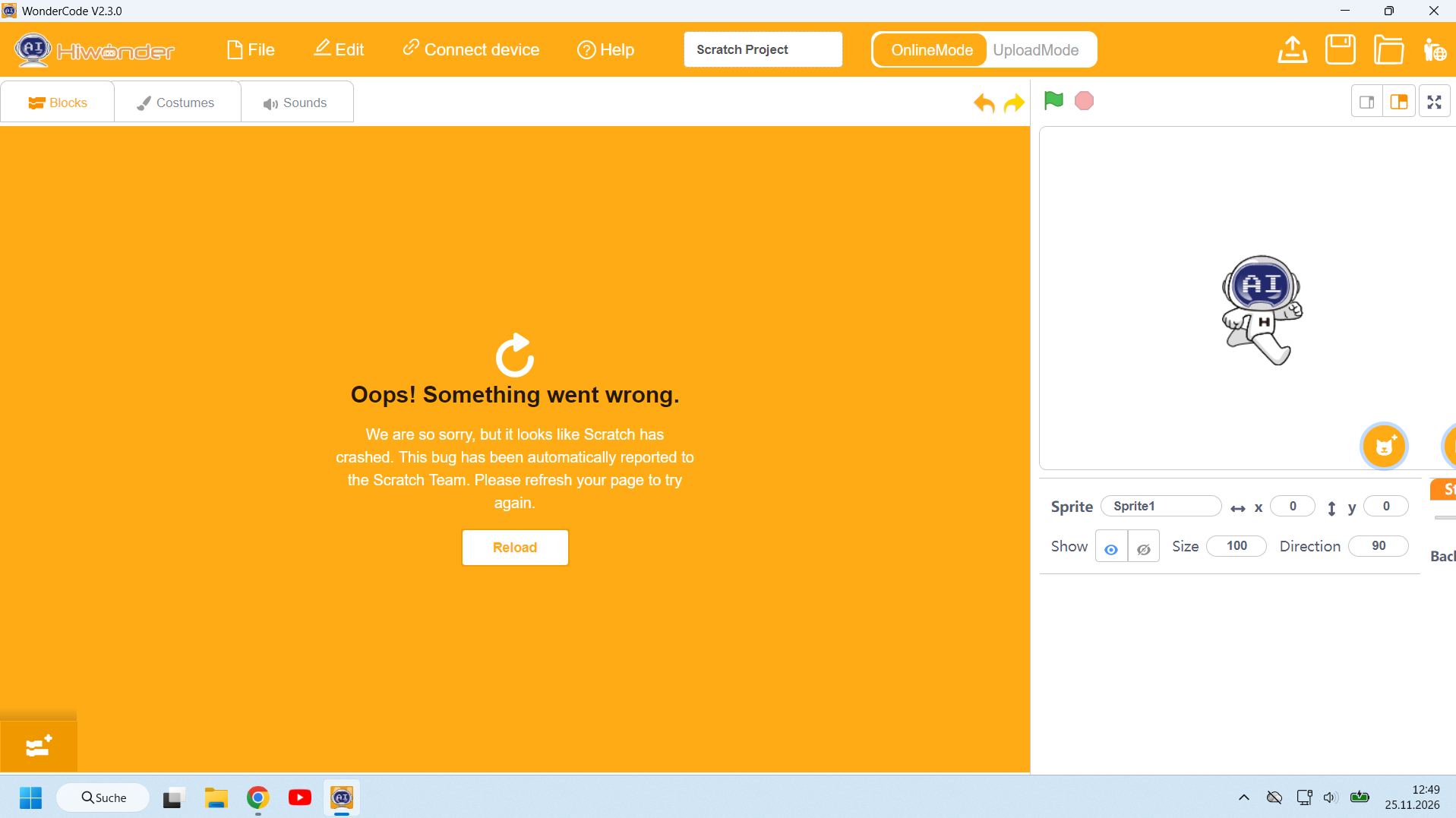
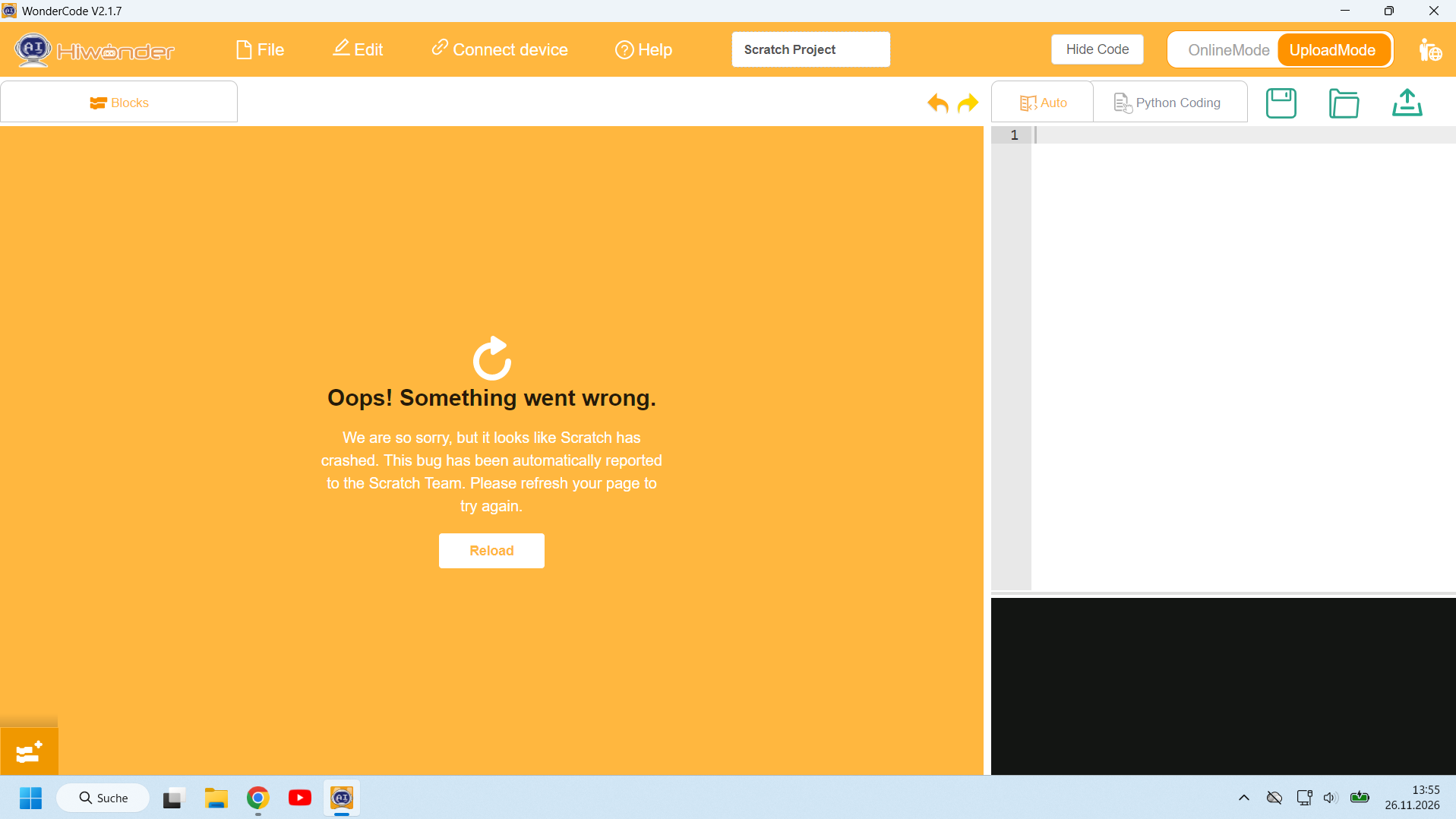
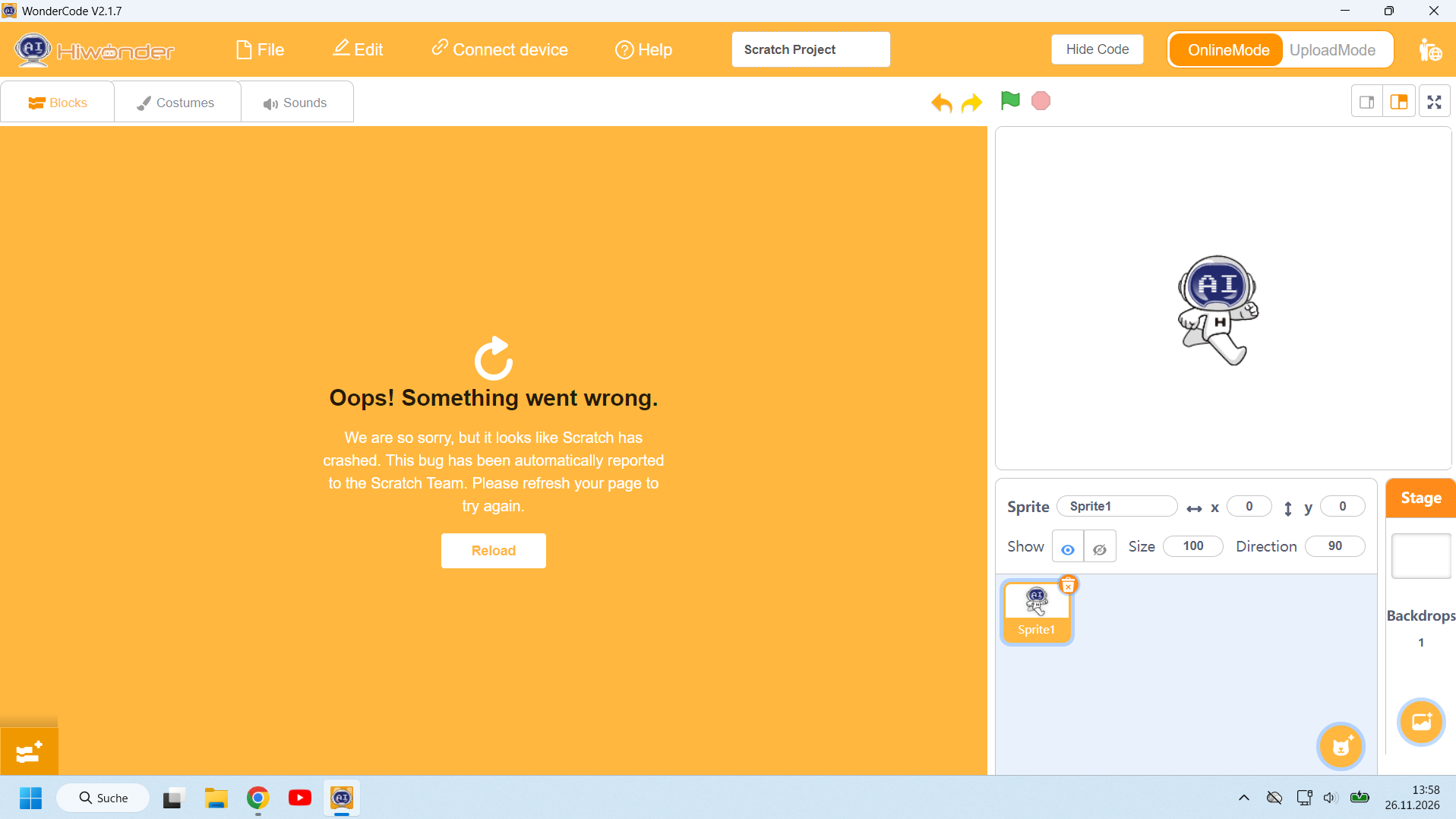
I’m trying to connect my TonyBot with the software, but unfortunately I’m getting an error when I try to install the extension. It’s the 2.1.30 of the WonderCode, downloaded directly from your website. On the screenshot below is the error. Please fix it or give me instructions on how to fix it myself.
Sorry WonderCode is crashing when you add the Tonybot extension. Your screenshot shows WonderCode V2.3.0 in OnlineMode, while your post mentions 2.1.30. Use the version shown in the title bar to identify which copy you’re testing.
Click Reload. Once the editor reopens, save any open project and switch to UploadMode, which is the mode for programming Tonybot.
Click Add Extension in the lower-left corner and select Tonybot from the robot category. Add the extension before clicking Connect device.
If the extension loads, click Connect device and select Tonybot’s COM port. In Windows Device Manager, look for the port labeled CH340. Don’t select COM1.
If WonderCode crashes again while adding the extension, try reinstalling it using WonderCodesetup.exe from the Tonybot Scratch tutorial’s software installation folder or appendix, then repeat steps 1–2.
Reference: Tonybot Scratch programming guide, sections 4.1.1 (WonderCode installation and device connection) and 4.1.2 (Programming interface and program upload).
If this reply was helpful, you can mark it as the solution using the button below.
Thanks for your help, but I still have the same issue. I’ve downloaded the software that you recommended to me, but I’m still facing the same problem. Doesen’t matter if I’m in “Online mode” or “Upload mode.”